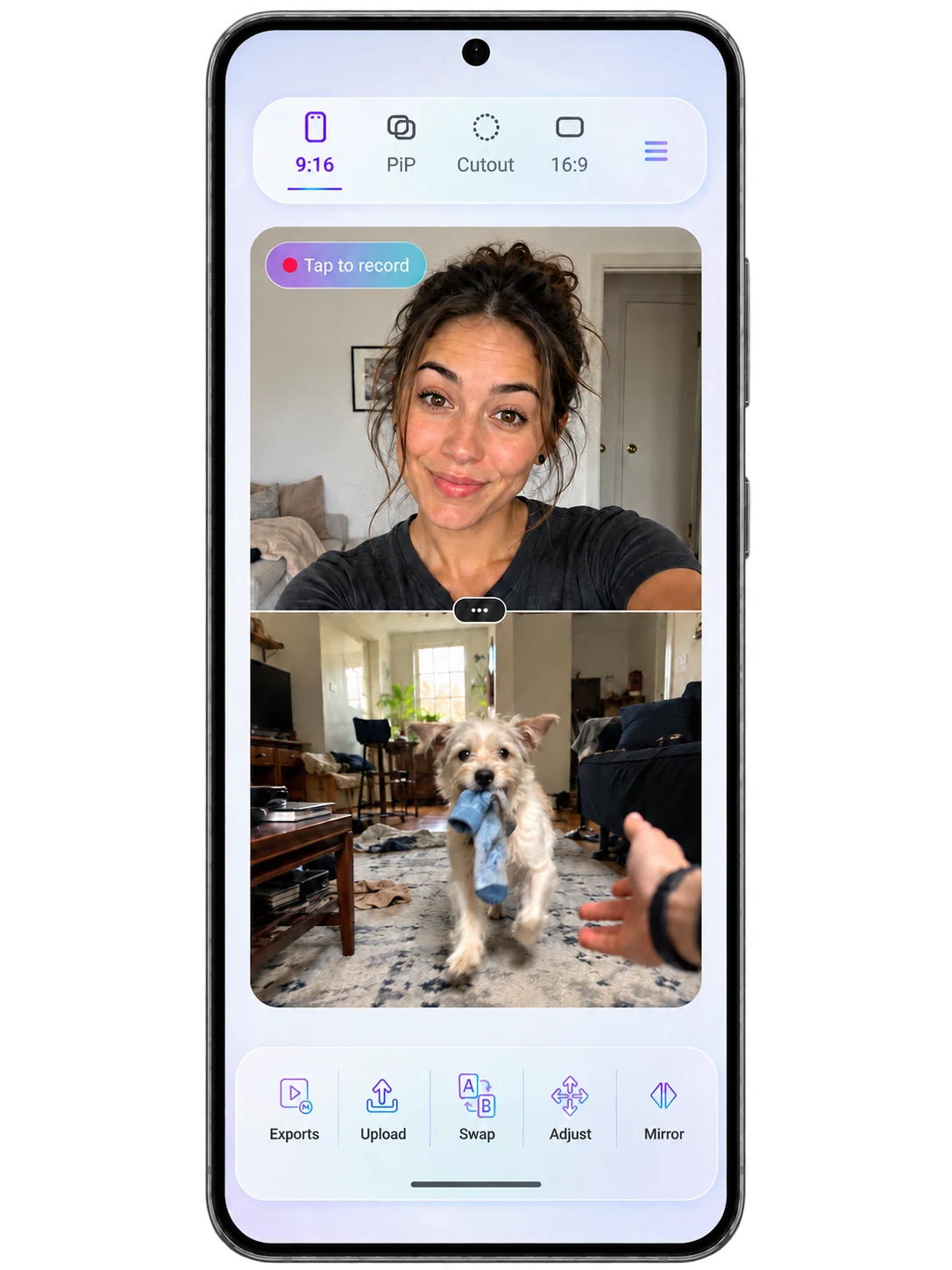
01 / 9:16 vertical
Stack the reaction into the scroll.
Put the creator and source inside a vertical frame built for TikTok, Instagram Reels, and YouTube Shorts.
- Vertical source + facecam
- Swap and resize controls
- Short-form ready composition
Reaction-first features
Reaction Creator is a focused Android reaction video maker—not a generic editor. Choose the frame, bring in the source, record your facecam and the moment together, then export while the reaction still feels fresh.
The workflow is the feature
Reaction Creator keeps the essential steps close together, so creators spend less time rebuilding the moment across separate tools.
Frame the reaction before record
Build vertical reaction videos for Shorts, Reels, and TikTok, or turn the phone for YouTube and gaming commentary. The frame is a starting decision—not an editing chore after the recording.

01 / 9:16 vertical
Put the creator and source inside a vertical frame built for TikTok, Instagram Reels, and YouTube Shorts.
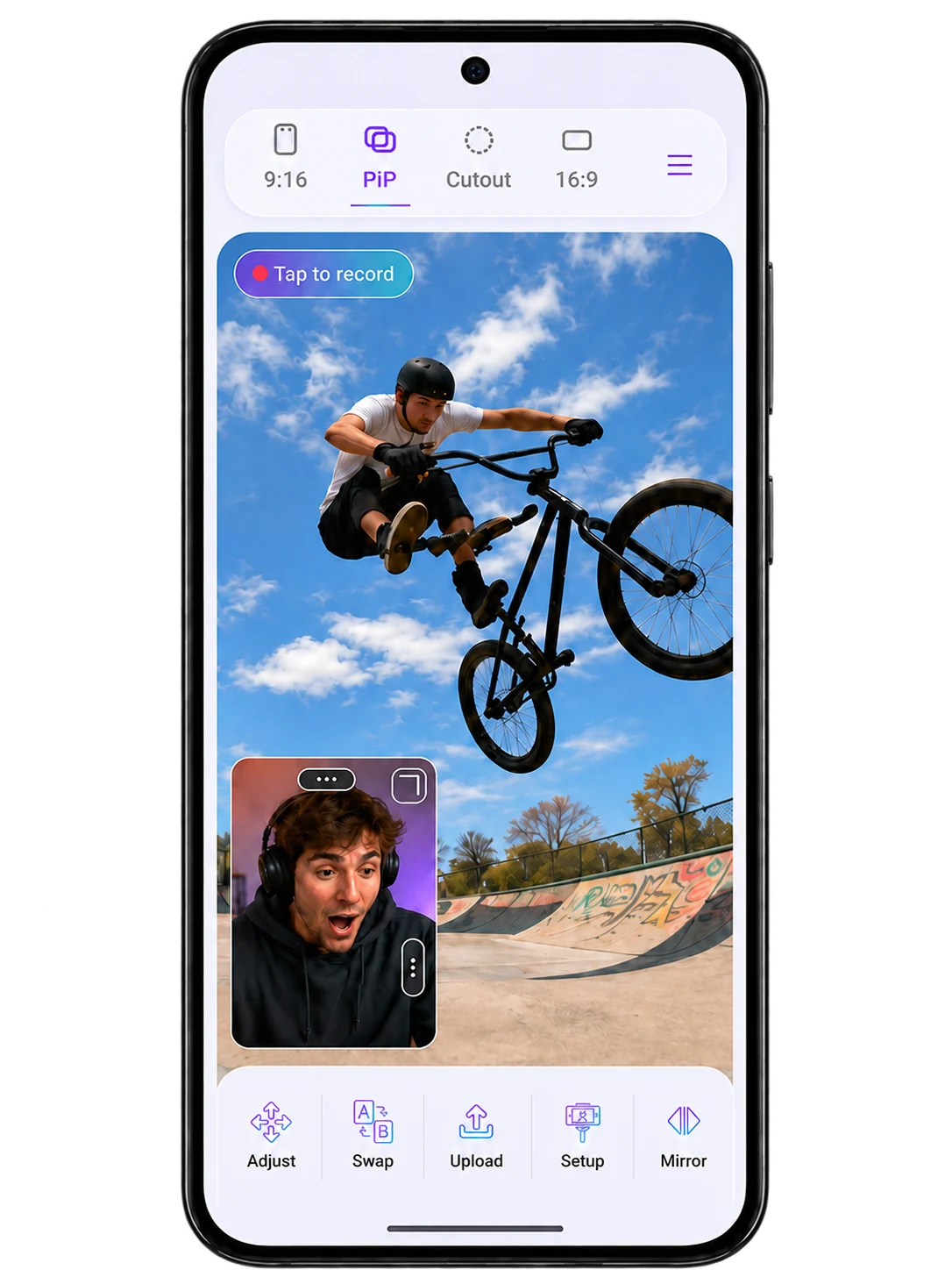
02 / Picture in picture
Keep the video large while the creator stays visible in a movable picture-in-picture facecam window.
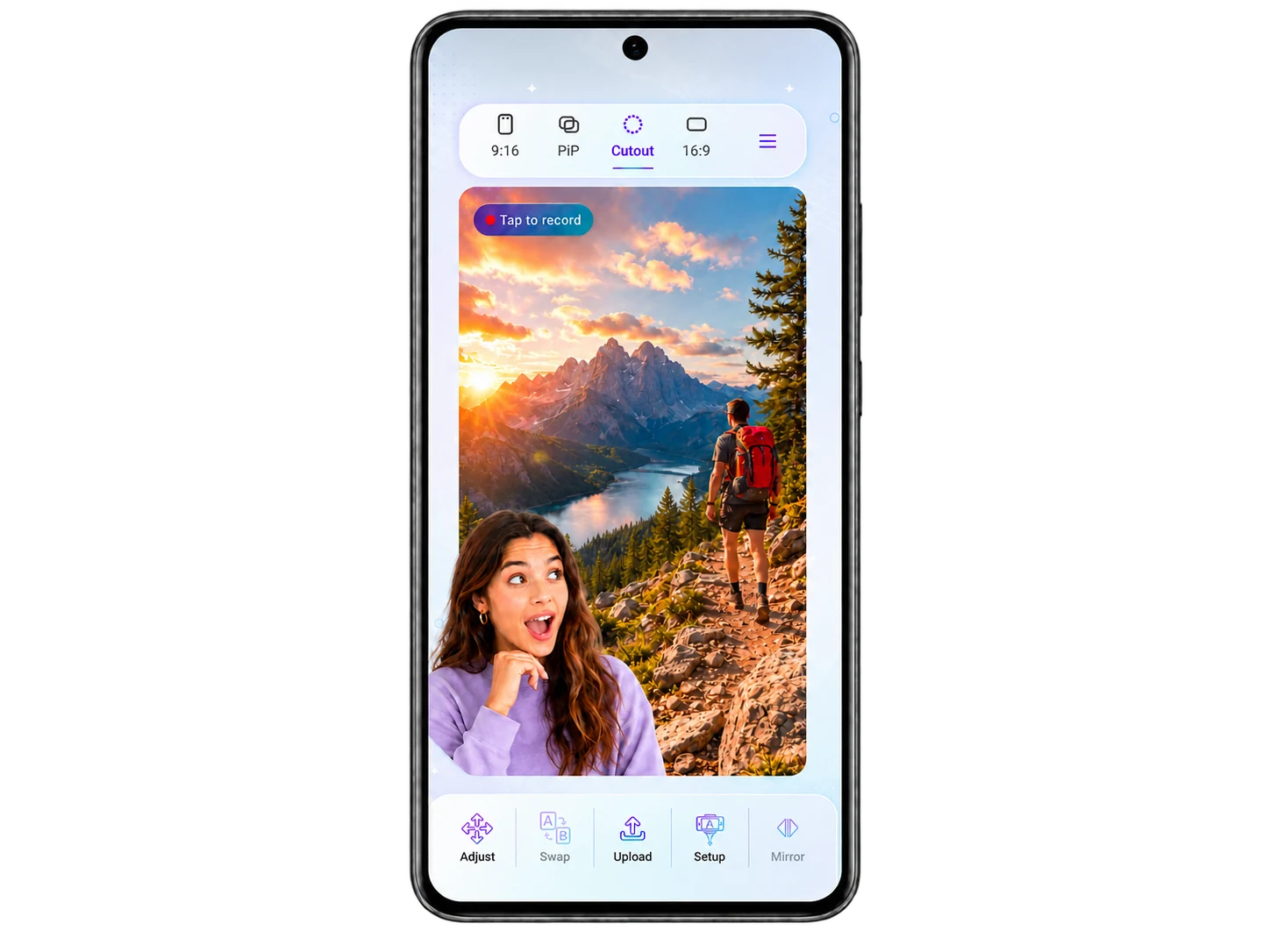
03 / Cutout
Remove the camera background and place the creator over the footage for gaming, memes, and expressive commentary.
04 / 16:9 landscape
Compose source and creator side by side for YouTube reactions, gaming commentary, and landscape-first stories.
Source + facecam, already together
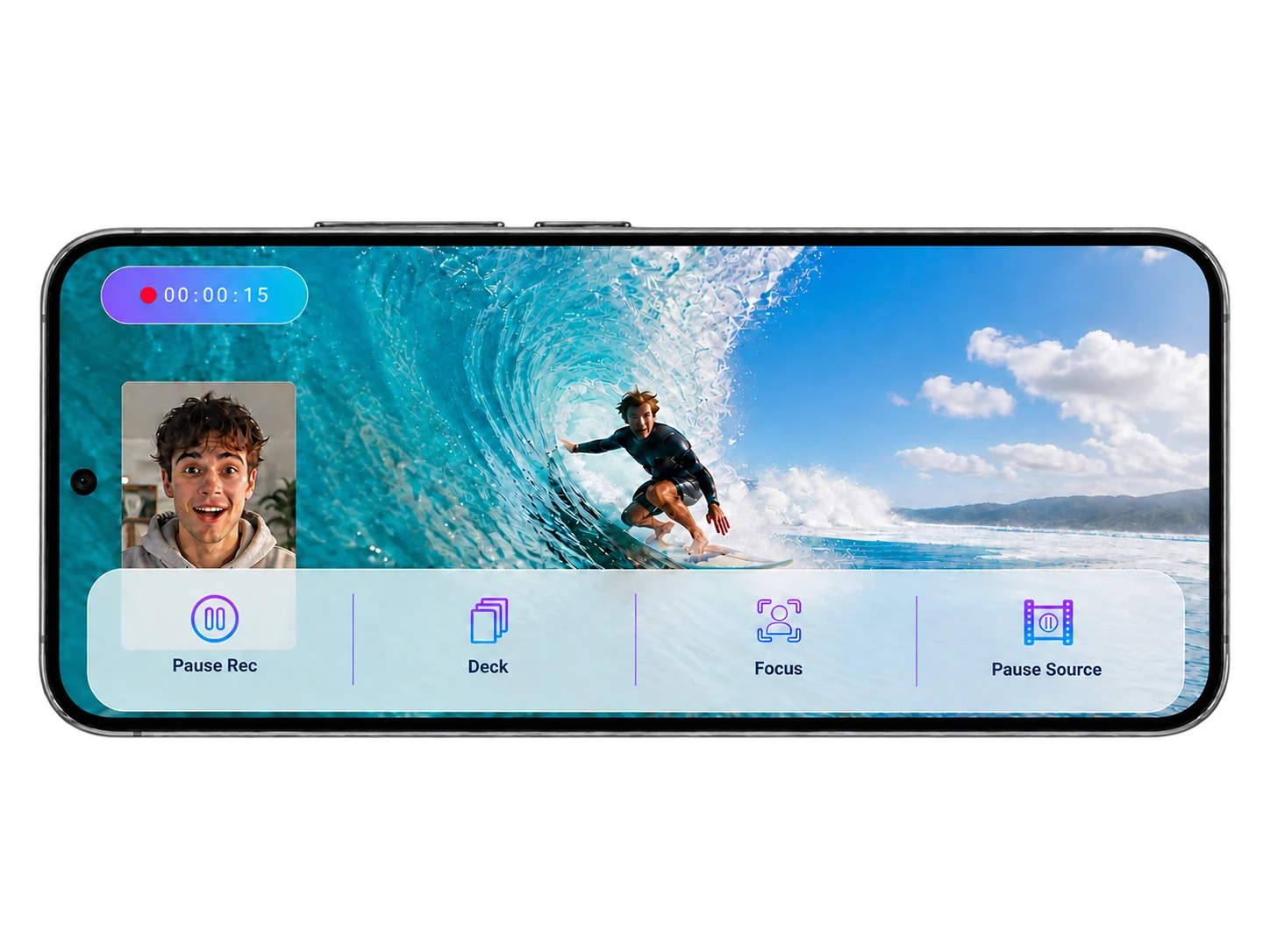
The source video and creator camera play inside the same recording flow. Pause the source, pause the recording, focus the frame, and keep moving without rebuilding the reaction later.
Editing is a choice, not a checkpoint
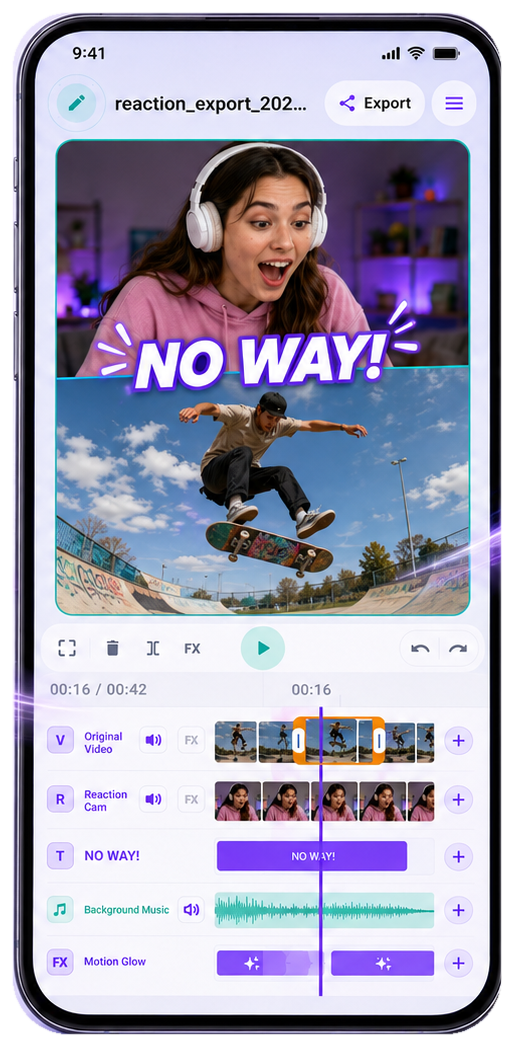
A reaction should not be forced through a timeline just to become a video. Direct export is the default; Editor Mode stays ready for the moments that need trimming, text, audio, or effects.
Fast path
When the take feels right, finish it without adding an unnecessary editing step.
Optional Editor Mode
Trim the take, add text, balance audio, or emphasize a moment—without turning every reaction into an editing project.
Momentum survives the interruption
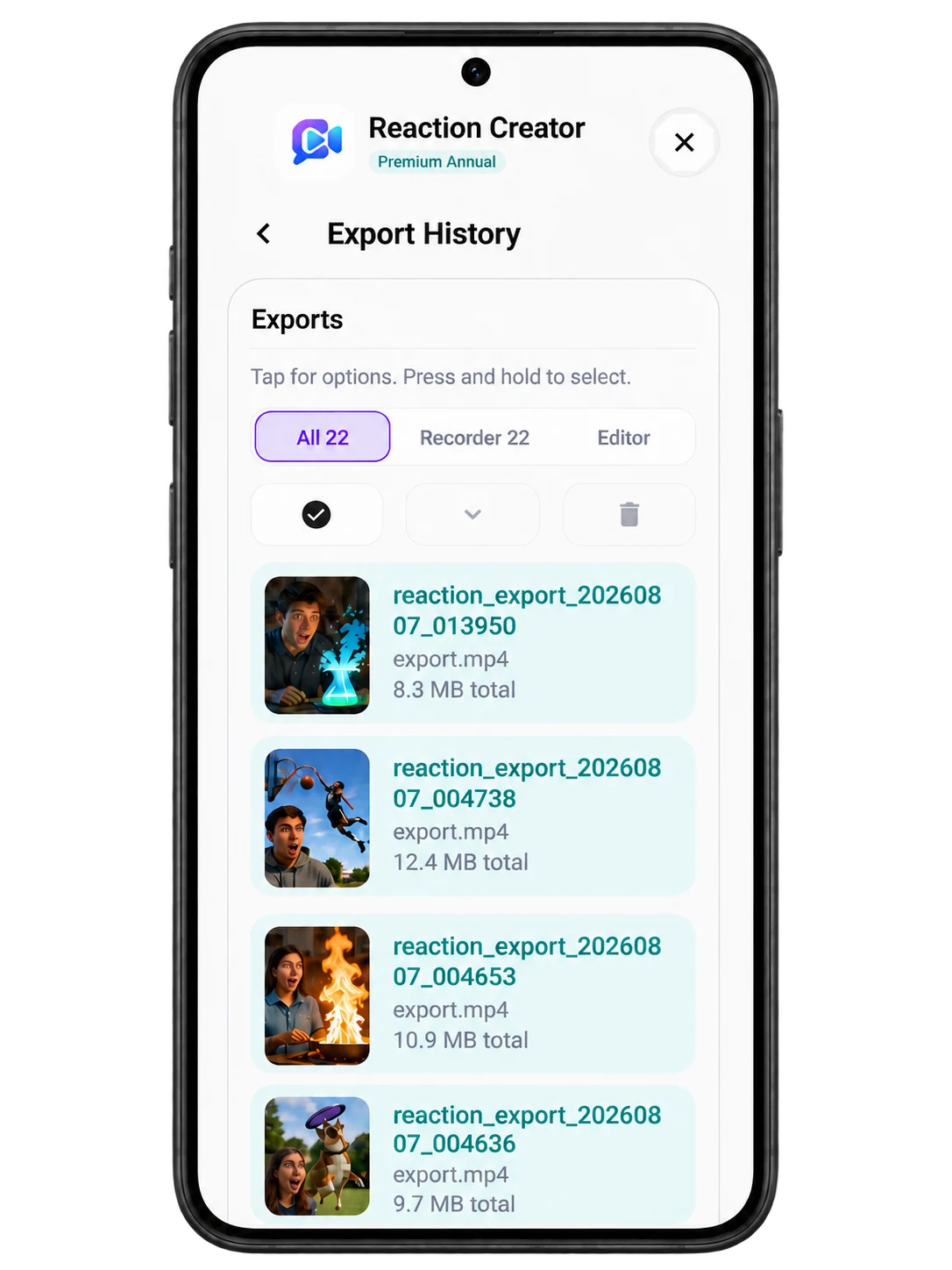
Projects keep unfinished reaction work organized. Export History keeps finished videos easy to find. The next session starts where the last one stopped.
Learn about the workflow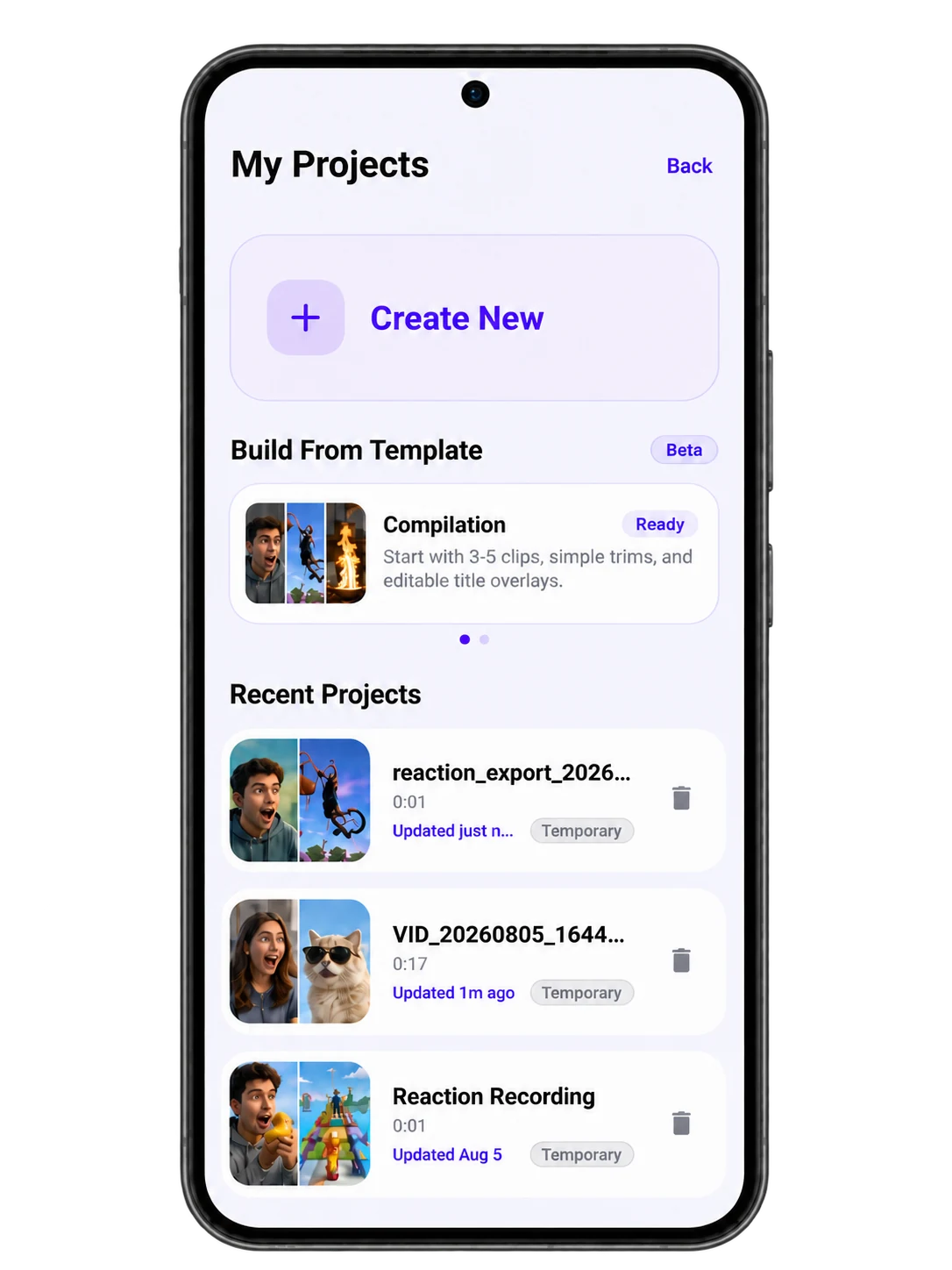
Built only for reaction creators
9:16 reactions for TikTok, Reels, and Shorts—framed and ready on mobile.
Picture-in-picture and 16:9 layouts for commentary that gives the source room.
Cutout and overlay-friendly layouts for gameplay, streams, and expressive reactions.
A quick path from trend to recorded take, before the moment moves on.
Reaction Creator questions
Reaction Creator is an Android reaction video maker built around one focused flow: choose a layout, add a source, record the source and facecam together, then export.
Choose 9:16 vertical, 16:9 landscape, picture-in-picture, or Cutout for Shorts, Reels, TikTok, YouTube reactions, gaming, memes, and commentary.
No. A good take can move directly to export. Editor Mode is there when the reaction needs trimming, text, audio adjustments, or effects.
Ready when you are.
Reaction Creator gives you everything you need to turn moments into content — faster.
 Free to start on Android