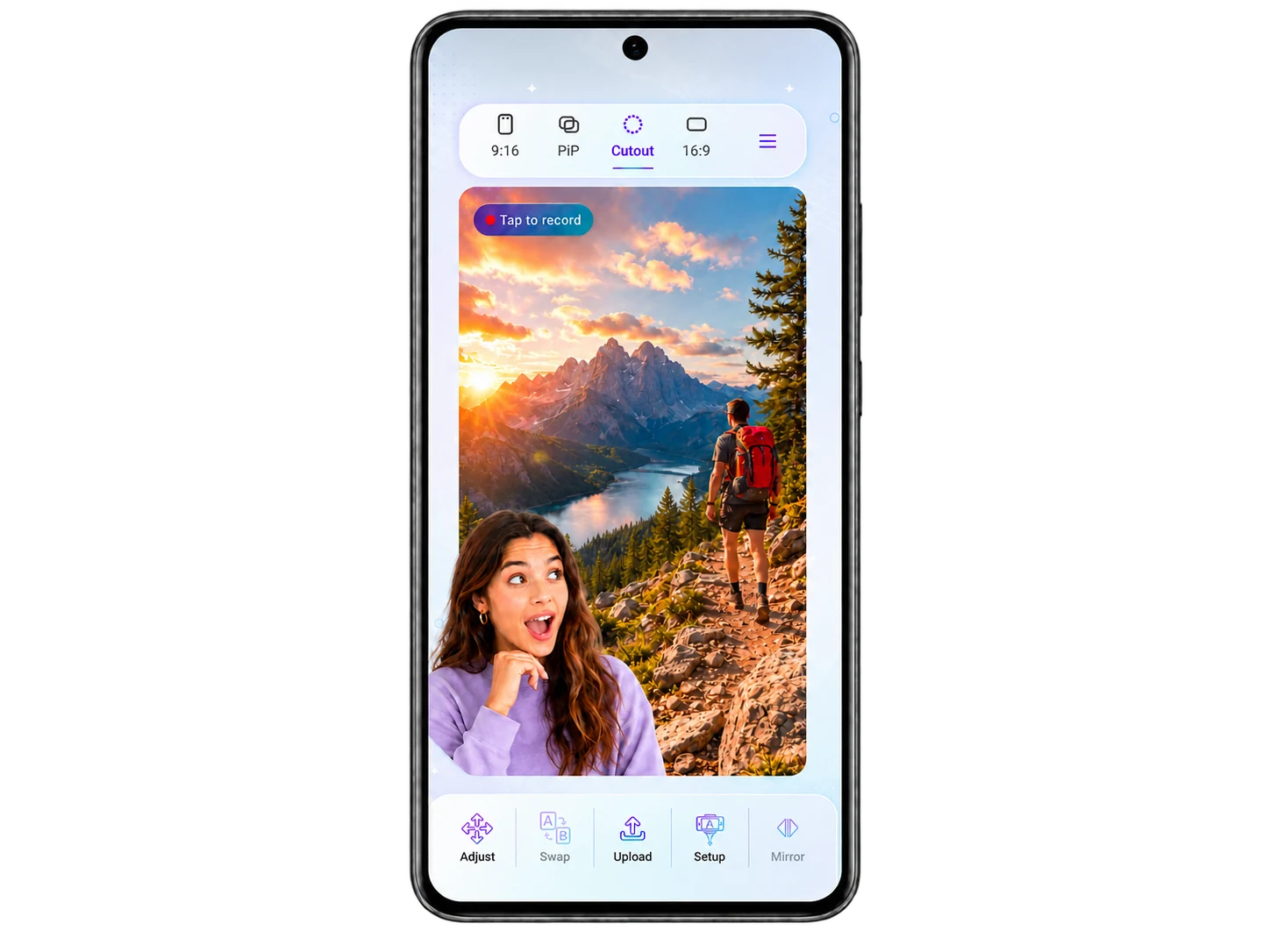
Choose the frame.
Bring in any video or find one in the app.
React · Create · Share
Create reaction videos on Android. Choose a layout, record source video and facecam together, then export your take. Editing is optional.
Create faster. React bigger. Made for creators.
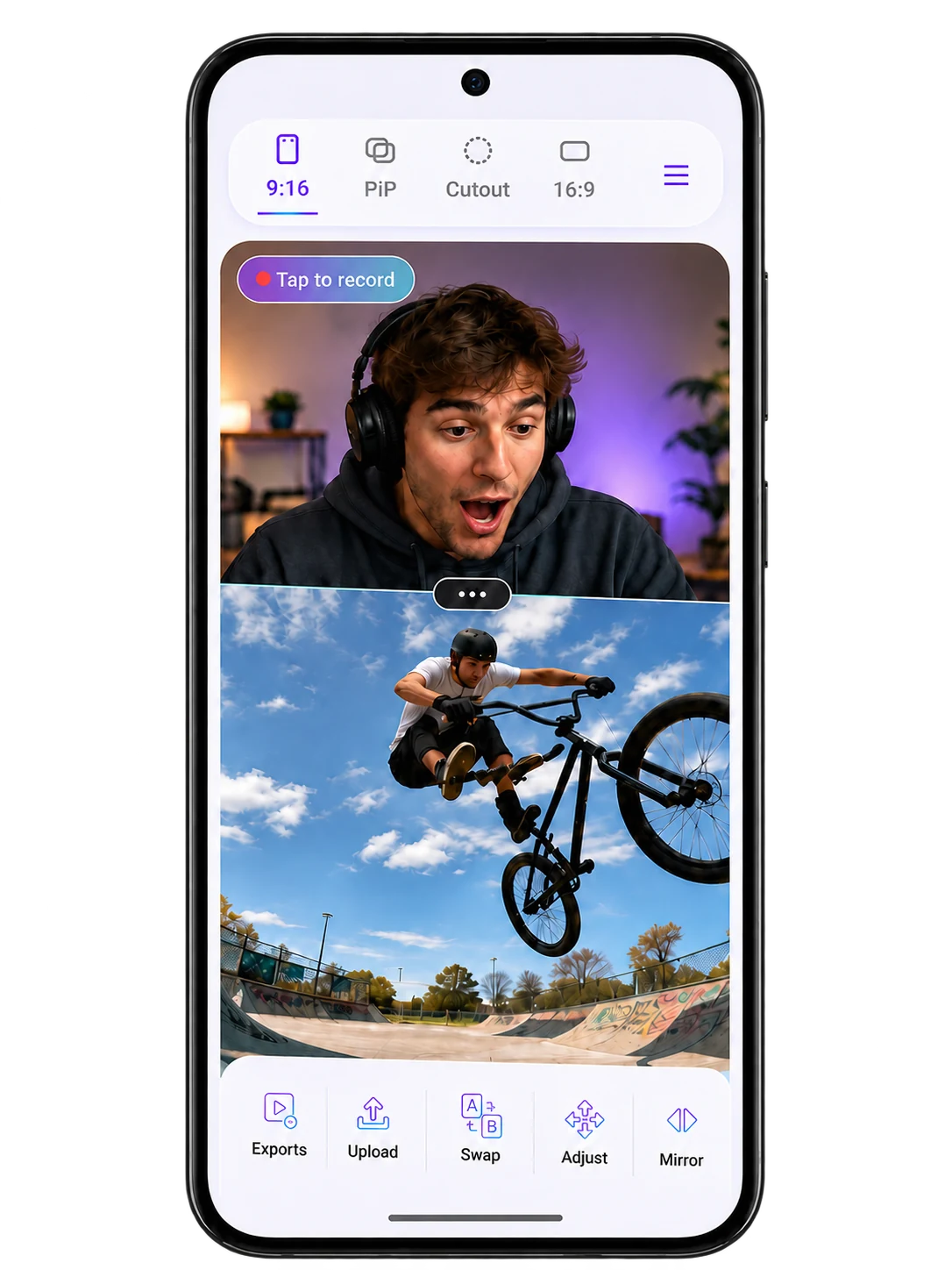
Same idea. A better way.
Turn your ideas into scroll-ready reactions — all in one place.
Bring in any video or find one in the app.
Record your reaction, your way.
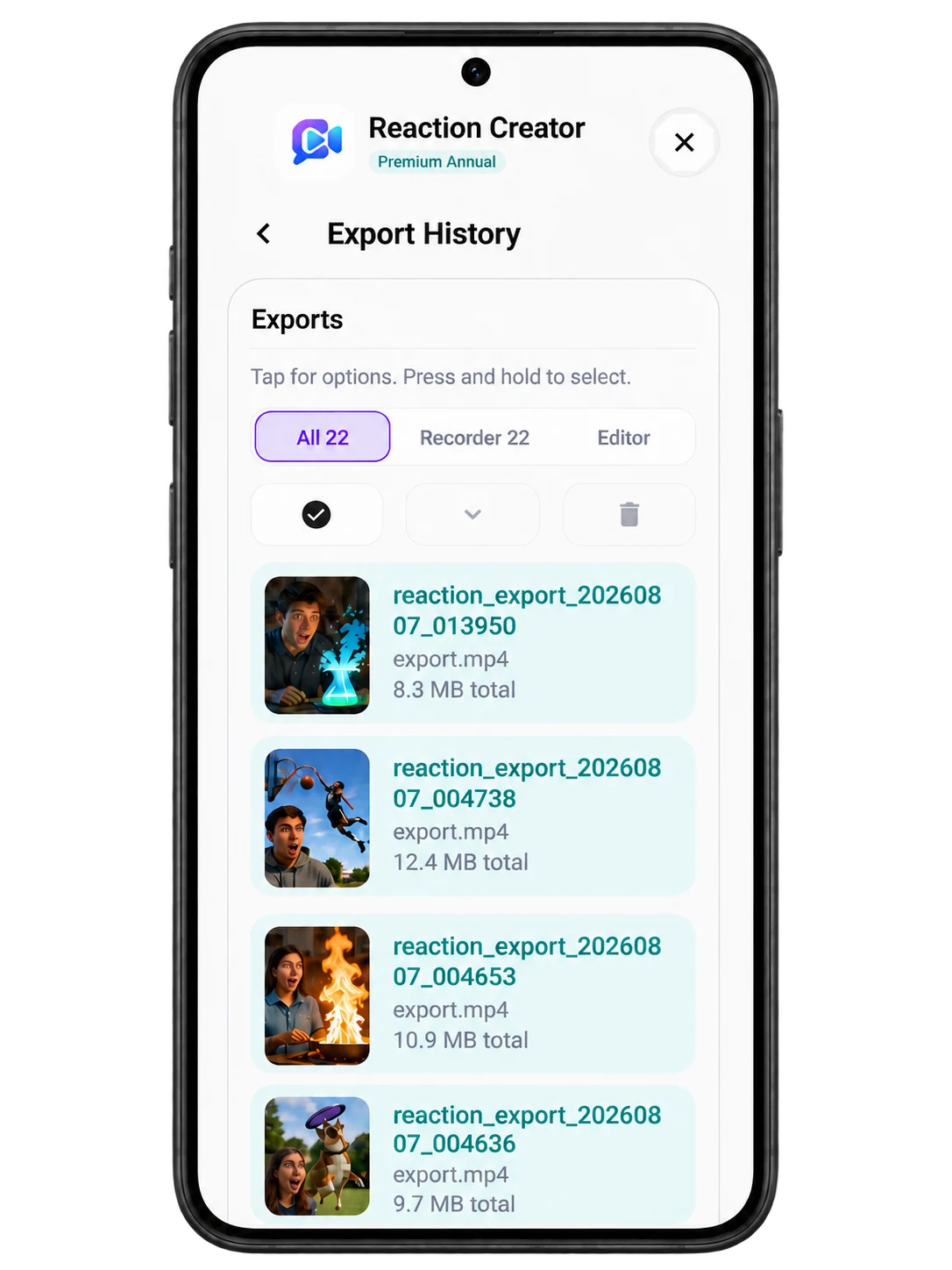
Export and share with the world.
Not a desktop editor squeezed onto a phone. A purpose-built reaction machine that keeps creators moving.
One app. More possibilities.
Keep your reaction front and center while the action plays.
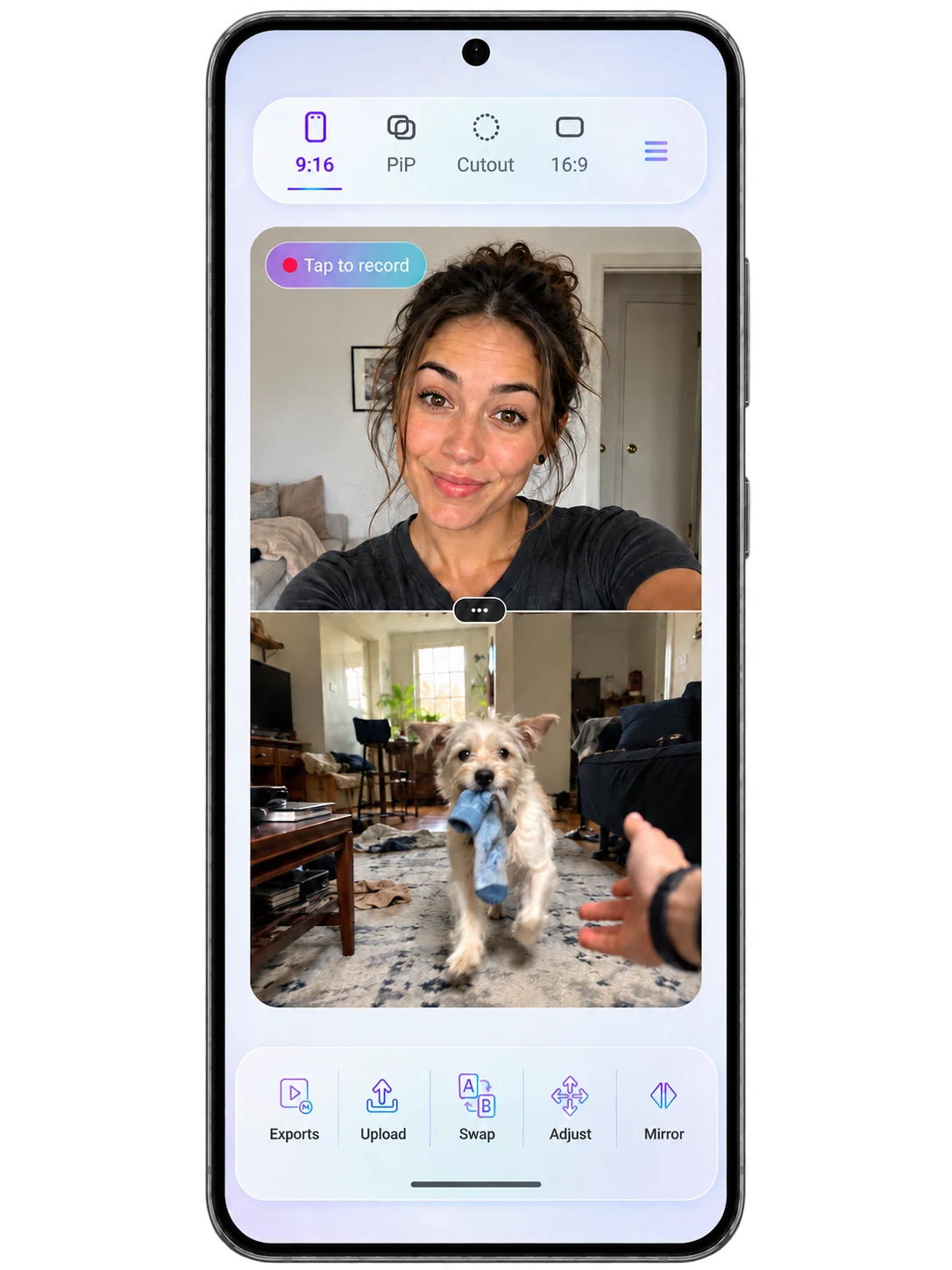
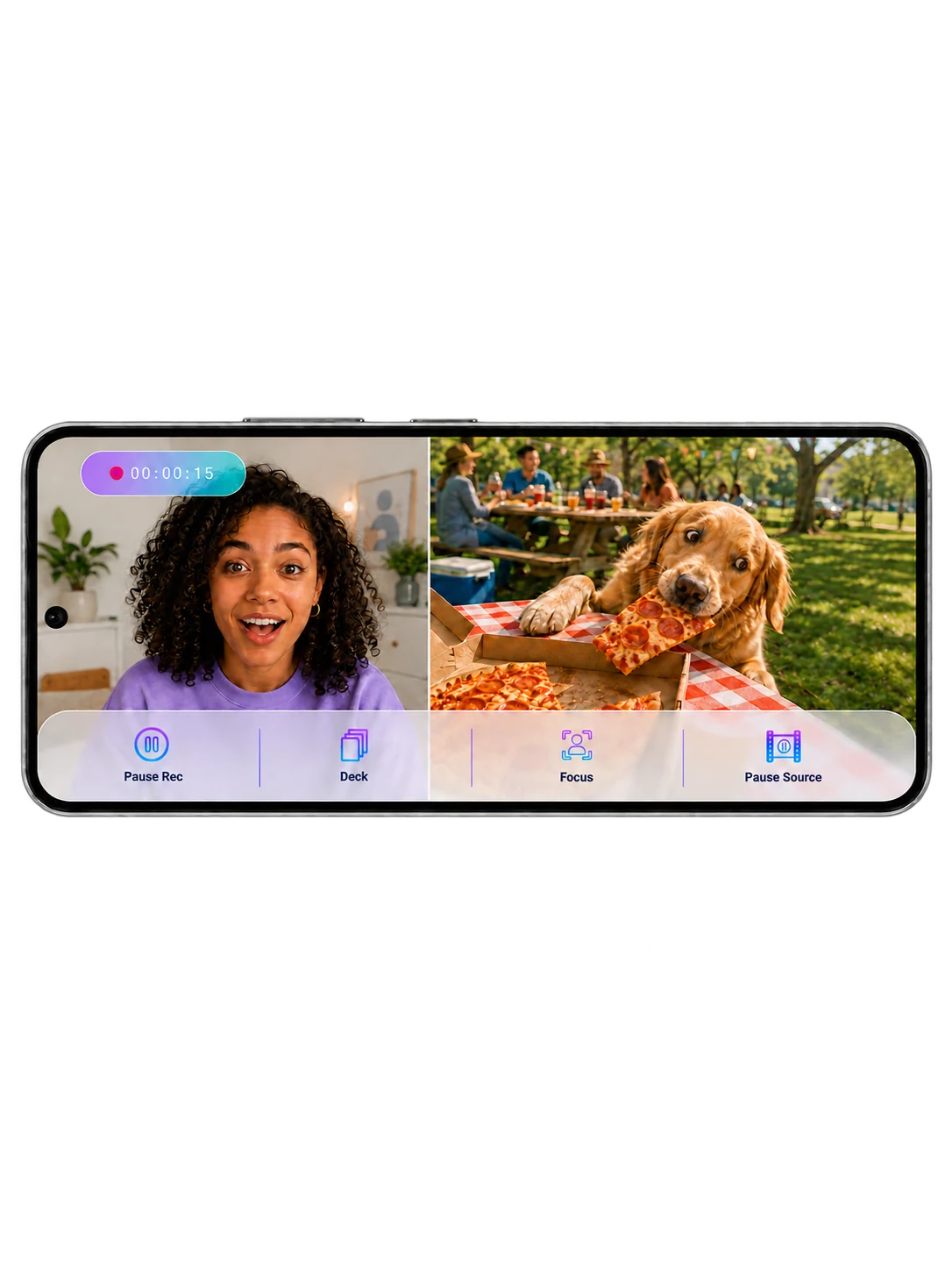
Sometimes the video does the talking. React alongside it.
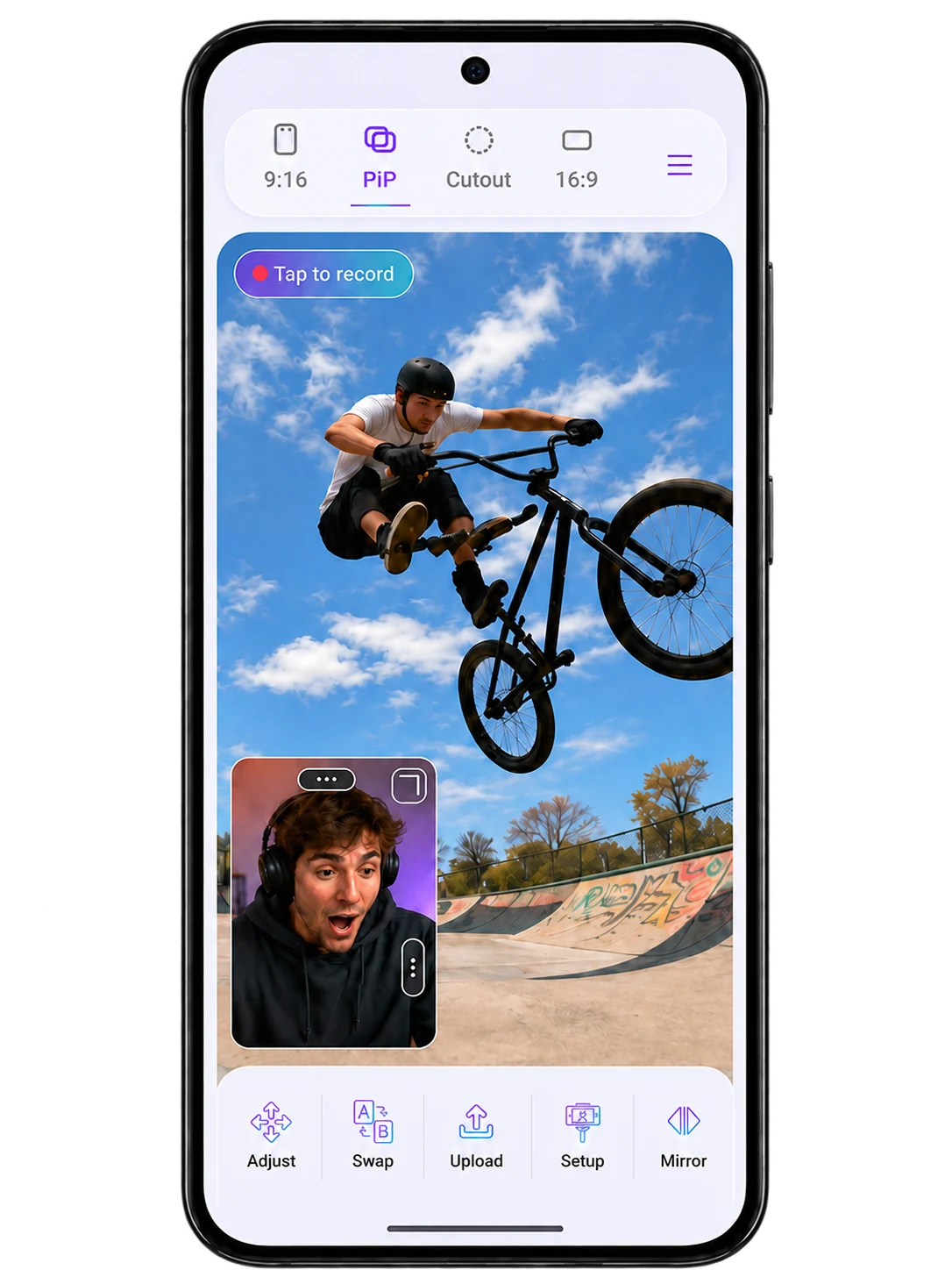
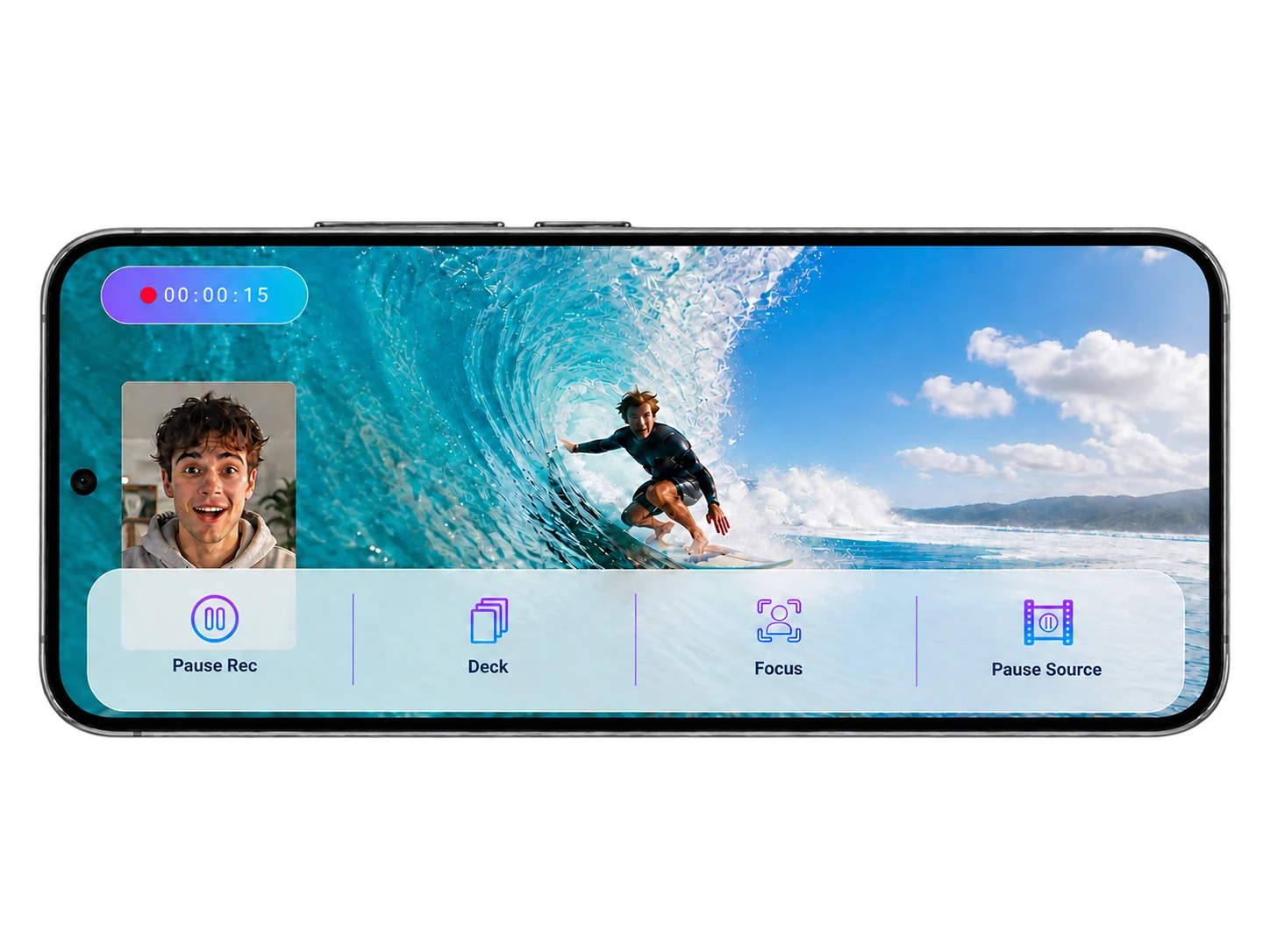
Make your reaction feel like you’re part of the action.
Go wider. More context. More ways to react.
All you need. Right here.
Everything you need to go from idea to post, in one clean workflow.
Set your layout
and style.
Add your clip
or audio.
Capture your
reaction.
Share and
get noticed.
Same content. More ways in.
React your way. Go vertical for Reels, TikTok and Shorts, or horizontal for YouTube.
Great takes deserve better tools.
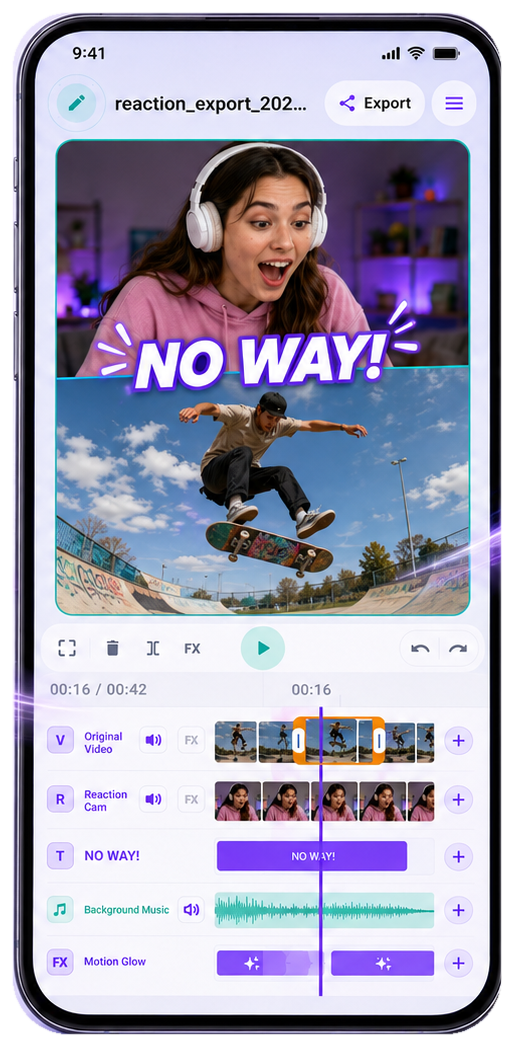
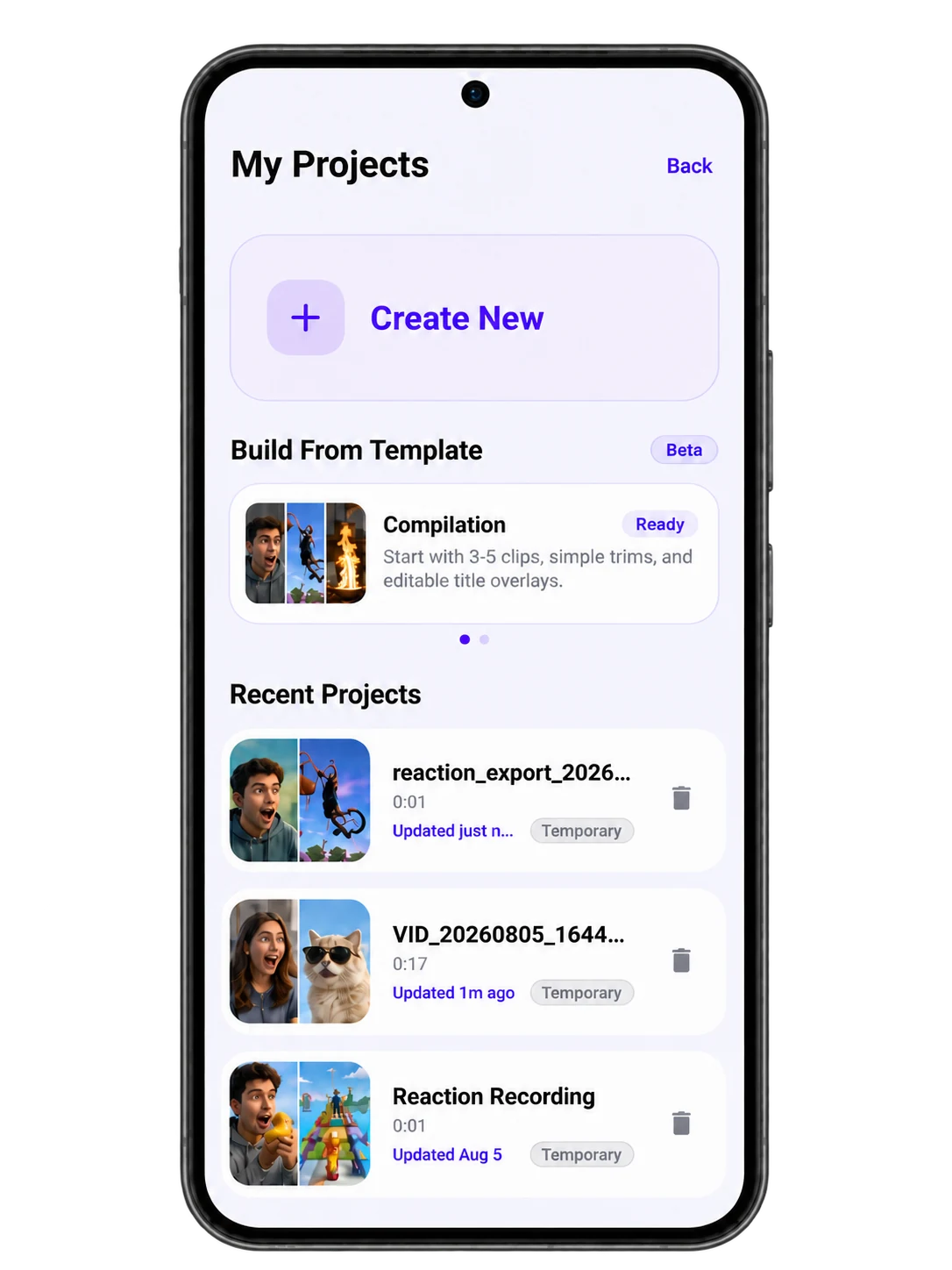
Trim, adjust, and fine-tune your reaction before you post. Keep what hits. Cut what doesn’t.
Not just an editor.
Built for reaction creators. A simpler, faster way to go from source to share.
Ready when you are.
Reaction Creator gives you everything you need to turn moments into content — faster.
 Free to start on Android