Flexible layouts
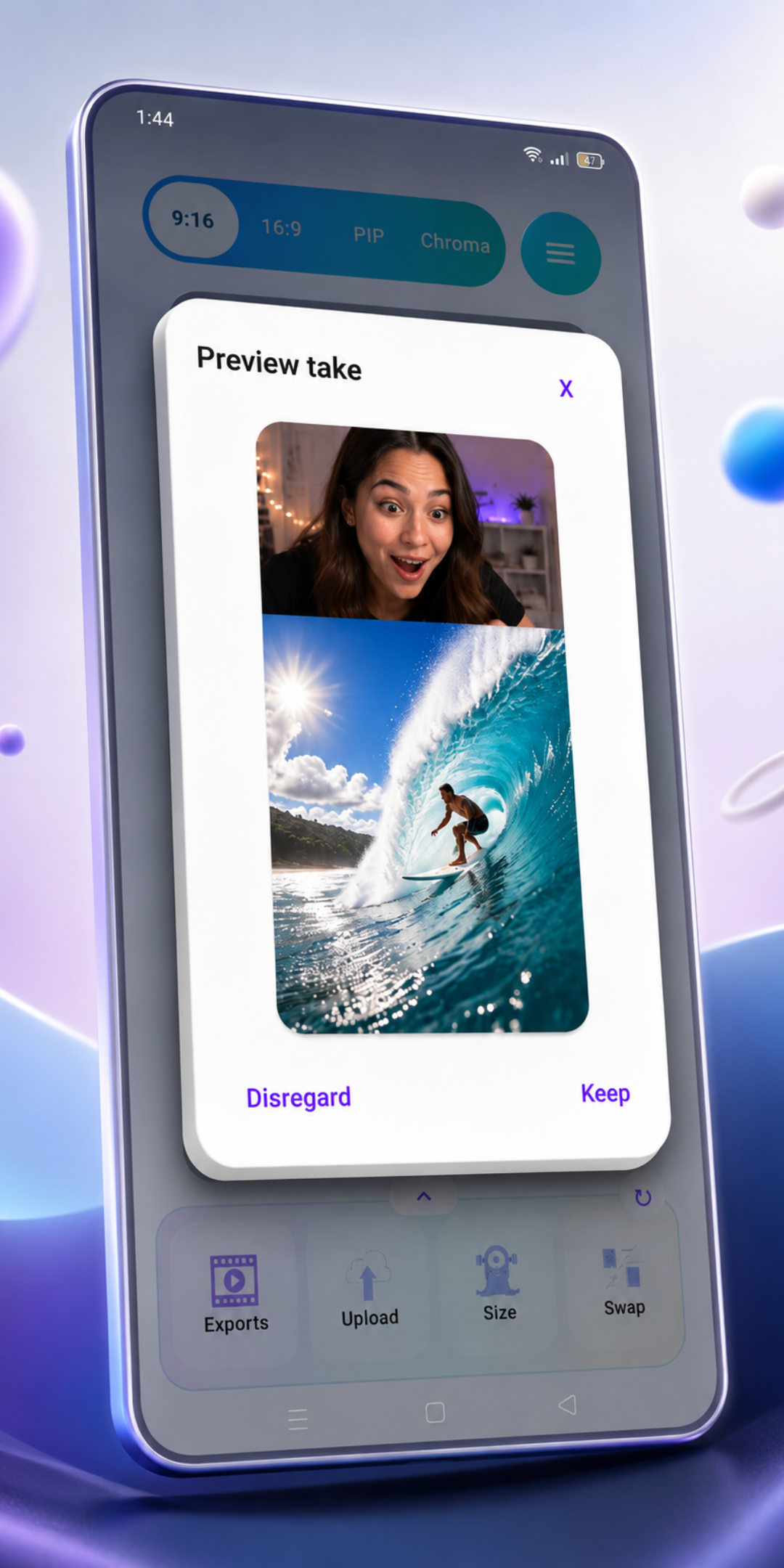
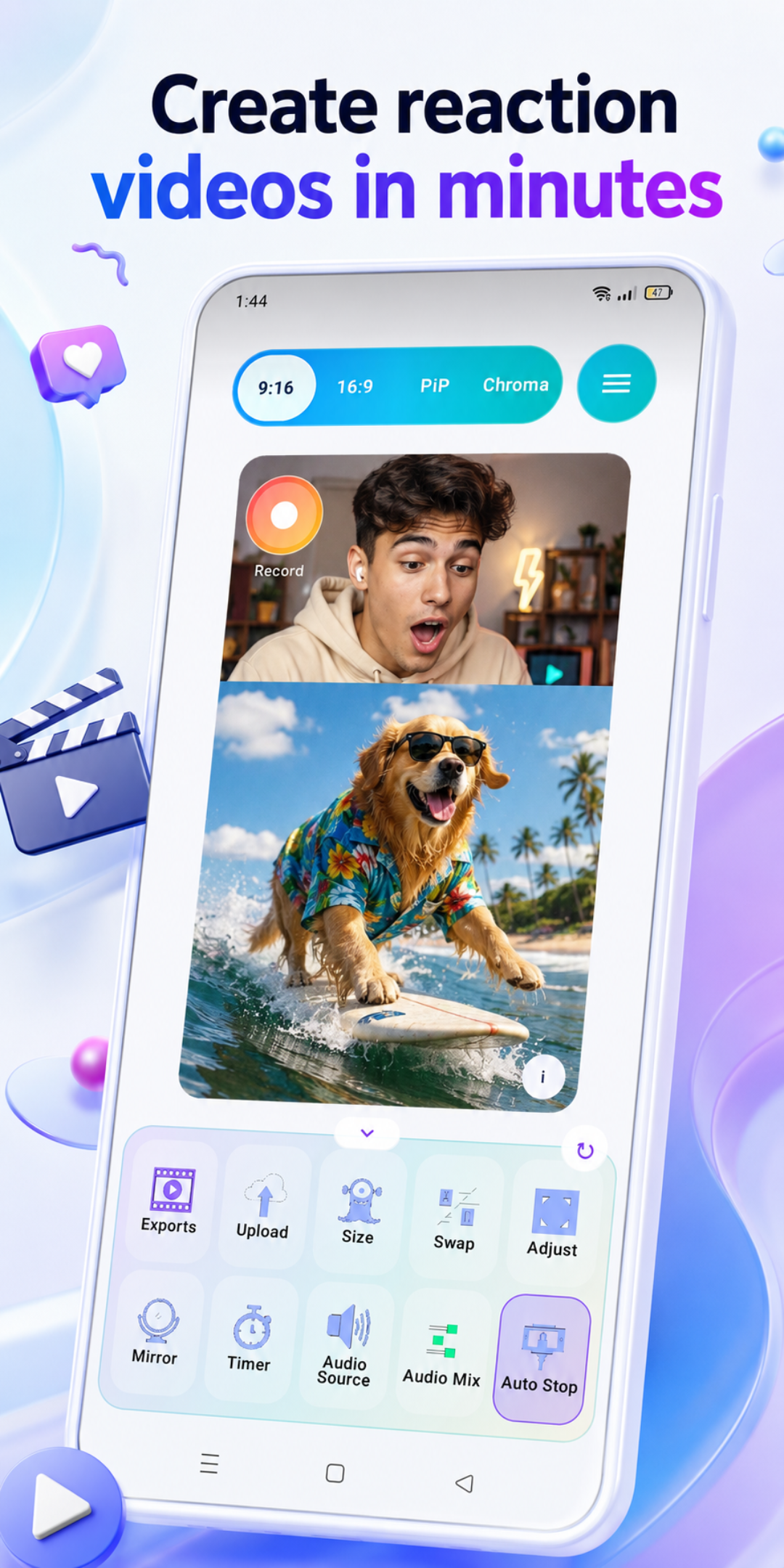
Use 9:16, 16:9, PiP, and Chroma to match the type of reaction video you are making.
ReactionCreator is built around quick decisions: choose the layout, bring in media, record, adjust, balance audio, and export.
Core editor
Use 9:16, 16:9, PiP, and Chroma to match the type of reaction video you are making.
Import the original clip and choose how the reaction source enters the project.
Preview, rename, save, and remove rendered exports from the app's exports area.
Creator controls
Fast controls keep layout, framing, recording, and timing decisions close to the creator workflow.
Audio and premium
Choose headphones or speakers so the app can guide better recording setup.
Balance reaction and original audio levels before exporting the final video.
Upgrade to unlock premium tools, more export capacity, and priority support.
Use a keyed reaction layer over the original video for a distinct creator style.
Pick a layout, record your take, balance the audio, and export a finished video from one mobile editor.
See pricing